Most people’s “financial archive” in 2025 is a chaotic mix of email receipts, screenshots in the phone gallery, a dusty folder with bank statements, and three different cloud drives. If это звучит знакомо — это норм. The goal of this guide is to show you, in plain language, how to turn that chaos into a personal financial archive that actually works for you, not against you.
We’ll lean on modern tools (AI search, secure cloud, passwordless logins), but keep everything practical enough to implement over a couple of evenings.
—
Why a Personal Financial Archive Matters More in 2025
Money has become mostly invisible.
Salary hits your account digitally, bills auto-pay, you tap your phone to buy groceries, and investments live inside apps with pastel icons. When everything is digital, it *feels* like you don’t need to store anything yourself.
But:
– In 2023–2024, global data breaches exposed over 6 billion records. Your providers can lose access or data.
– Banks merge, fintech apps shut down, and terms change. You’re the only one consistently interested in your own history.
– For serious life events — mortgage, visa, tax audit, inheritance — you need documents fast and in order.
A well‑built personal financial archive is your “black box recorder”: proof of what really happened with your money over years, not months.
—
Step 1: Decide What “Archive” Means For You
Before diving into apps, decide what you actually want to keep.
Think of three time horizons:
1. Short‑term (1–3 years):
– Utility bills, rent receipts, everyday invoices
– Warranty cards and big purchase receipts
– Salary slips (if not needed longer for mortgages in your country)
2. Medium‑term (3–7 years):
– Tax returns and all supporting documents
– Loan agreements, credit card contracts
– Medical expenses (often relevant for tax deductions)
3. Long‑term (7+ years, often “keep forever”):
– Mortgage contracts, property purchase documents
– Pension and retirement account statements
– Business ownership docs, inheritance, insurance policies
– Identity + KYC docs you used to open accounts (IDs, proof of address)
Real‑life example:
In 2024, a client of mine in Berlin was asked by the tax office to prove crypto transactions from 2018. The exchange had shut down, the app was gone, and only his exported CSV statements (kept in his own archive) saved him from a painful tax estimate.
—
Step 2: Paper vs Digital — Choose Your “Default”
In 2025, your default should almost always be digital, with very limited, carefully stored paper.
Short paragraph: you want one system, not two parallel worlds that don’t match.
Keep paper only when:
– A document is legally required in original (e.g., some property deeds, notarized documents)
– The issuer explicitly says “only the original is accepted”
– Local law or your accountant insists on original paper
Everything else: scan, store, and safely discard (shred) when appropriate.
—
Step 3: Design a Simple Digital Structure First
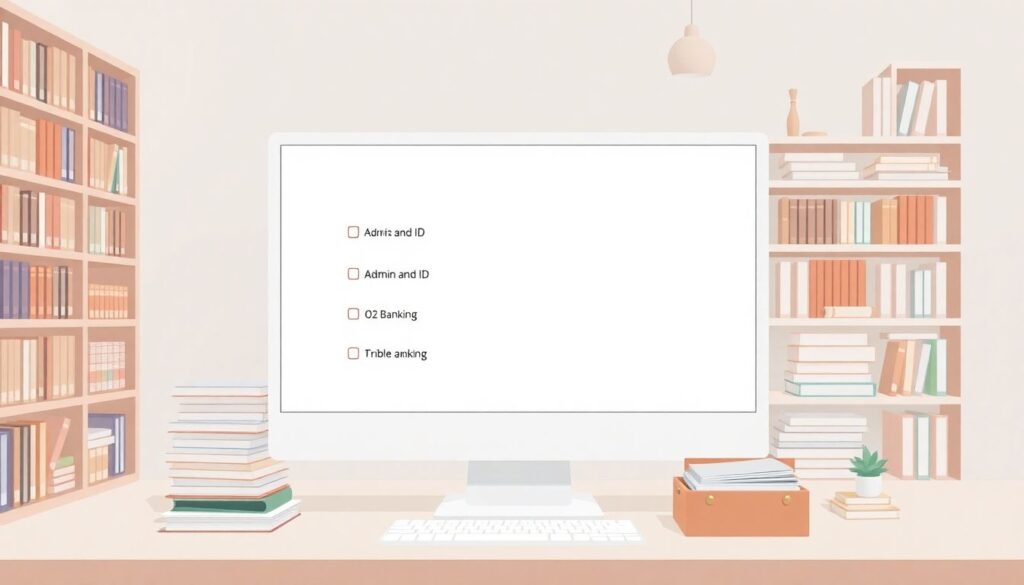
Think “library”, not “junk drawer”. Your digital filing system for household finances should be boring and predictable.
A simple, future‑proof folder structure:
1. /01_Admin_and_ID
2. /02_Banking
3. /03_Income_and_Employment
4. /04_Taxes
5. /05_Loans_and_Debt
6. /06_Investments_and_Pensions
7. /07_Insurance
8. /08_Housing_and_Utilities
9. /09_Business_or_Freelance (if relevant)
10. /10_Big_Purchases_and_Warranties
Inside each, split by year. For example:
`/04_Taxes/2024/Tax_Return_2024.pdf`
This logic works the same whether your archive lives in your laptop, an external SSD, or secure online storage for financial documents in the cloud.
—
Step 4: Use One Naming Convention (and Stick To It)
Long paragraph, because this is where most people fail.
You don’t need a perfectionist system, you just need something your future self can guess.
A workable pattern:
`YYYY-MM-DD__Issuer__Type__Short-Description__Amount-Currency`
Examples:
– `2025-01-31__ACME-Bank__Statement__Checking-1234__0-EUR.pdf`
– `2024-11-15__EmployerX__PaySlip__Nov-2024__3200-EUR.pdf`
– `2024-08-02__IKEA__Receipt__Desk-Setup__450-EUR.jpg`
If you use a personal finance document organizer app or a cloud drive that already adds dates/tags, you can simplify to:
`YYYY-MM__Category__Issuer__Short-Description`
The key is consistency: changing formats every six months kills searchability.
—
Step 5: Choose Your Core Tools (With 2025 Trends in Mind)
You don’t need 10 apps. You need 2–3 good ones that play well together.
1. Storage: Local + Cloud Hybrid
– Local: external SSD (1–2 TB), encrypted
– Cloud: reputable provider with data centers in your legal region
In 2025, a healthy baseline is:
– One encrypted cloud account as your primary working archive
– One encrypted local copy as your offline backup
Tech details — Encryption & security (2025)
– Use end‑to‑end encryption where possible (client‑side).
– Turn on passkeys or hardware keys (FIDO2) for your accounts.
– Enable version history so you can roll back if files are corrupted or encrypted by malware.
– Keep your archive under one main folder to make backups simple.
—
2. Scanner & Capture Tools
You don’t need a physical scanner anymore.
– Use your phone camera + scanner app with auto‑crop and OCR
– Save directly as PDF into your archive folders or cloud drive
– If your bank or utility offers PDFs, download them once a year as a bundle
Short real case:
One family I worked with scans every physical receipt above $100 at the checkout parking lot, tags it as “Warranty” in their app, and tosses the paper in a home folder. When their washing machine broke after 23 months, they pulled the PDF in 15 seconds.
—
3. Organization & Search Layer
Here’s where modern tools shine.
Some people prefer a classic folder system; others want AI‑powered search. You can mix both.
The best software for managing personal financial records in 2025 usually has:
– Full‑text search (thanks to OCR)
– Tagging (e.g., “Tax 2024”, “Mortgage”, “Medical”)
– Automated import from email or bank feeds
– Zero‑knowledge or strong encryption
If you like automation, look for a personal finance document organizer that can:
– Watch an email inbox or a “Downloads” folder
– Auto‑rename files based on patterns (date + sender + amount)
– Suggest tags using AI (e.g., “this looks like a tax document”)
—
Step 6: Build the Archive in 5 Concrete Sessions
To avoid overwhelm, don’t aim to fix everything in one weekend. Use this five‑session roadmap.
1. Session 1 — Decide the structure and tools
– Choose cloud + local backup
– Create the folder structure
– Decide naming convention
– Turn on security (2FA, passkeys, encryption)
2. Session 2 — Capture the last 12 months
– Download bank statements for all active accounts
– Download salary slips, major invoices, and tax docs
– Scan any paper for big expenses and warranties
– Store and rename using your convention
3. Session 3 — Go back 3–5 years for high‑value docs
– Mortgage, loans, car purchase, property, investments
– Tax returns with attachments
– Insurance policies and claim letters
4. Session 4 — Build your “Critical Pack”
– IDs, passports, driving licenses (front + back)
– Social security, tax ID, pension account confirmations
– Marriage/divorce certificates if relevant
– Store together, heavily protected, and clearly labeled
5. Session 5 — Automate the inflow
– Set bank and broker statements to email or portal only
– Connect your email rules or automation workflows
– Build a monthly ritual: “Archive & Review” (30–45 min)
After these 5 steps, the hardest part is done. From there, you’re just maintaining.
—
Step 7: A Simple Automation Flow (Non‑Geek Friendly)
You don’t need to be a programmer to automate how to organize personal financial documents.
Here’s a basic flow almost anyone can set up in 2025:
1. New document (statement, invoice, pay slip) arrives by email.
2. A rule in your email:
– If sender = bank/utility/employer
– Then: auto‑forward to your archive email or save to a cloud drive folder “/Incoming”.
3. An organizer app or script:
– Monitors “/Incoming”
– Renames files using date + issuer + type
– Sorts them into `/Year/Category` folders
– Adds tags like “Tax-2025”, “Loan”, “Medical”
Tech details — Tools that can help (2025)
– Cross‑platform automation services (Zapier/Make or their 2025 competitors)
– Cloud drive native automations (rules on OneDrive, Google Drive, etc.)
– Lightweight local scripts (on macOS Shortcuts, Windows Power Automate, or simple Python scripts)
Even partial automation — just auto‑forwarding and centralizing into one folder — makes your life noticeably easier.
—
Step 8: Security: Think Like a Cautious Auditor
Convenience is great until someone else gets convenient access to your archive.
Modern rules of thumb:
1. One strong manager, many unique passwords
– Use a reputable password manager
– Unique password for each bank, broker, and cloud account
– Turn on phishing‑resistant 2FA (security key or passkey where available)
2. Separate “life” from “play” devices
– Avoid keeping your full archive on shared devices (kids’ gaming PC, office laptop)
– If you must, use a separate encrypted user account
3. Regular security check‑ups
– Twice a year: review account access, devices, and backup status
– Remove old shared links from cloud drives
– Check if any providers had breaches and rotate passwords
4. Test your backup
– Try restoring a random file from your backup
– Time it and confirm: “Could I do this under stress in 10 minutes?”
—
Step 9: How Long to Keep What (In Practice)
Laws vary by country, but some widely used guidelines (confirm locally):
1. At least 3 years
– Everyday receipts relevant to your personal tax
– Utility bills (energy, water, internet), rent receipts
2. At least 5–7 years
– Tax returns for individuals, with all attachments
– Records of investment buys/sells for capital gains
– Loan payments and settlement letters
3. Indefinitely
– Property purchase/sale documents
– Pension and retirement account confirmations
– Major insurance policies and claim settlements
– Inheritance and family law documents
Short story:
A client in Canada was asked in 2024 to prove the original purchase price of a condo sold in 2021. The purchase happened in 2010. His lawyer’s firm had merged and lost some archives. His own digital folder saved him tens of thousands of dollars in capital gains tax because he could prove renovations and purchase costs.
—
Step 10: Bring AI Into the Mix (2025 Trend)
The biggest shift since 2023 is that AI is now embedded in many tools you already use.
Used correctly, it’s great for a financial archive:
– Auto‑classify documents: “This looks like insurance”, “this is payroll”
– Extract key data: date, amount, counterparty, document type
– Answer questions like: “Show me all documents related to Car Loan 2022”
Tech details — Using AI safely
– Prefer tools that process documents *locally* or with clear privacy guarantees
– Turn off “use my content to train models” where possible
– Do not paste full passport numbers or unredacted IDs into random web chatbots
A realistic 2025 workflow:
You drag 200 mixed PDFs into your app, and it auto‑tags them as “Tax”, “Health”, “Mortgage”, etc., renames them, and places them in the right folders. You do a quick review and approve.
—
Putting It All Together: Your Minimal Ongoing Routine
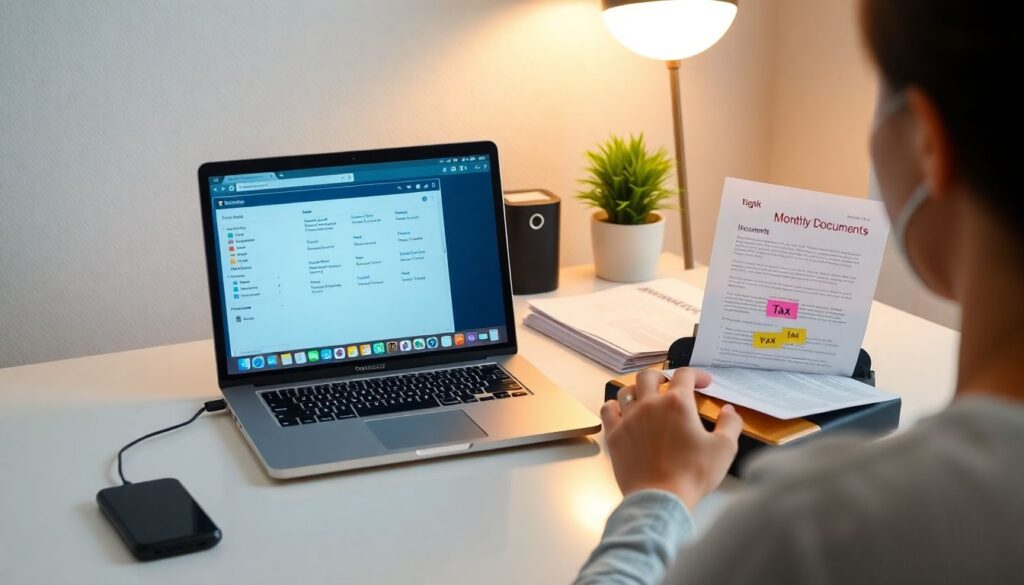
Once the archive is built, maintenance can be light. A simple monthly checklist:
1. Download or confirm that all monthly statements (bank, credit card, investments) have landed in the right folders.
2. Scan any new important paper (health bills, warranties, contracts).
3. Tag anything tax‑relevant for the current year.
4. Check that cloud sync completed and your local backup ran successfully.
5. Delete obvious junk from the “Incoming” folder.
That’s it — 30–45 minutes per month.
Over a few years, you’ll have a clean, searchable history of your financial life. When a bank, tax office, or visa center asks for something “from five years ago”, you’ll just type a keyword, filter by year, and send the PDF.
And that’s the quiet superpower of a well‑designed personal financial archive: it turns panic moments into admin tasks.
—
Quick Recap (In Plain English)
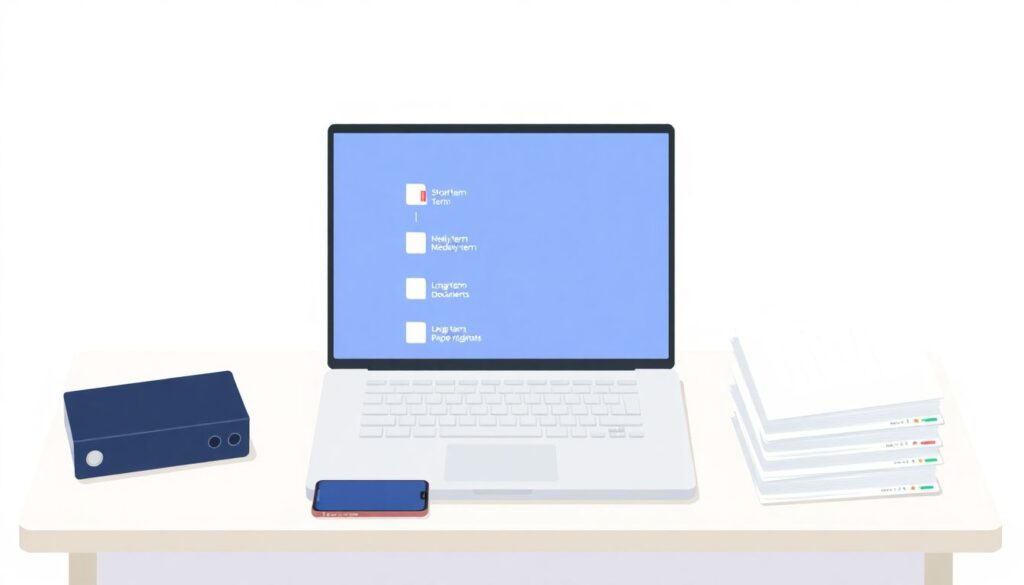
1. Decide what “archive” means to you: short‑, medium‑, and long‑term documents.
2. Go digital‑first, keep only truly necessary paper originals.
3. Build a simple folder structure and stick to one naming convention.
4. Use a mix of cloud + local storage and a reliable personal finance document organizer or equivalent.
5. Automate the inflow with email rules and organizer apps.
6. Protect everything like your future self’s life depends on it — because financially, it often does.
7. Use modern tools — AI, OCR, and automation — but keep control of your data.
Done right, your archive becomes more than just storage. It’s a living, growing record of your decisions — and a quiet, reliable ally whenever life throws bureaucracy your way.